Deposit



Investment

Loans
Cards
Digital Banking
-
 Become a Customer
Download Garanti BBVA Mobile now and be our customer.
-
 Mobile Banking
Garanti BBVA Mobile: the technology that makes life easier.
-
 Internet Banking
Internet Banking is at your service all day long.
-
 ATM
ATMYour transactions are faster with Garanti BBVA ATM.
-
 Customer Communication Center
Call to 444 0 333.
-
 Transaction Limits and Hours
Learn transaction limits and hours.
Insurance&Pensions

Payment&Services
Private Banking


Search History
Popular Searches
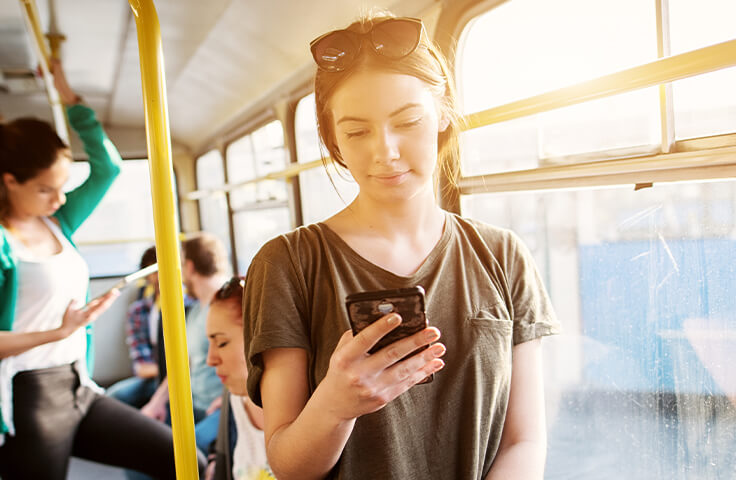
Garanti BBVA Mobile brings your branch to you!
With Garanti BBVA Mobile, you can easily and safely perform your transactions 24/7 from wherever you wish, without going to the branch.
To make your life easier, you can start using Garanti BBVA Mobile right away by downloading it from App Store, Google Play or AppGallery.
You can also download our app by sending a short text to 3342 typing "Garanti BBVA Mobil" and then clicking on the link included in the message you receive on your cell phone.
After downloading the Garanti BBVA Mobile app to your phone, you can log in to the app with your customer number or T.R. Identity Number.
Thanks to the feature of matching your device with your customer number, you will be the only person using the app from your mobile phone. Since your device will be matched with Garanti BBVA Mobile, you can easily log in to the app with a single password and perform your banking transactions.
How to Get a Password?
- To start using Garanti BBVA Mobile, you can easily get your password with your phone number and password of either your credit card or Paracard.
- You just need to click on "Get Password/I Forgot My Password" on the Garanti BBVA Mobile login page and then fill the required areas.
- If you do not have a credit card or debit card but your phone has the NFC (Near Field Communication) feature, you can easily get a password by choosing the "Get Password with New ID Card Info" option on Garanti BBVA Mobile. If you do not have a phone with the NFC feature, you can still easily get a password by making a video call with our bank, hence no worries about going to the branch.
- You can use the same password to log in to Garanti BBVA Mobile and Garanti BBVA Internet Banking.

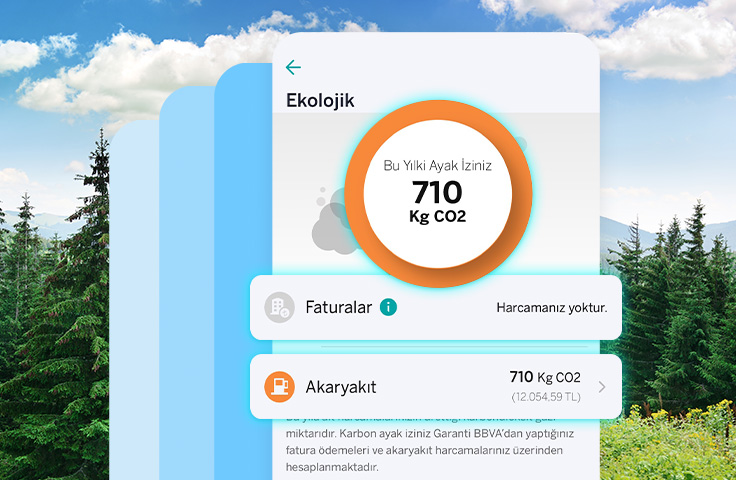
My Ecological Status
Aware of its responsibility toward its employees, customers, community, and national economy, Garanti BBVA has made the understanding of “Sustainability” the focus of its business for a long time.
We aim to ensure that our customers develop awareness by tracking their carbon footprint through the Ecological section under the “My Status” menu on Garanti BBVA Mobile, and we thus support them to reduce their carbon footprint with our suggestions.With the ecological tasks we offer in the area of Ecological Steps, we support our customers to set goals for themselves and thus take sustainable steps. We translate our technological strength into a benefit to touch the lives of people and society and contribute to the sustainability of the earth.

Financial Health
Under My Status on Garanti BBVA Mobile, we provide features enabling our customers to be aware of their financials and more easily manage their budgets.
From this section,
- You can display your assets and debts.
- You can monitor your earnings and spendings on a category basis.
- You can check your possible future payments and plan your budget with the Cash Flow / Calendar option.
- You can view the Financial Health Tips we specially prepare for you and take required actions that you can later track under My Plans (Spending alerts and Saving Target).
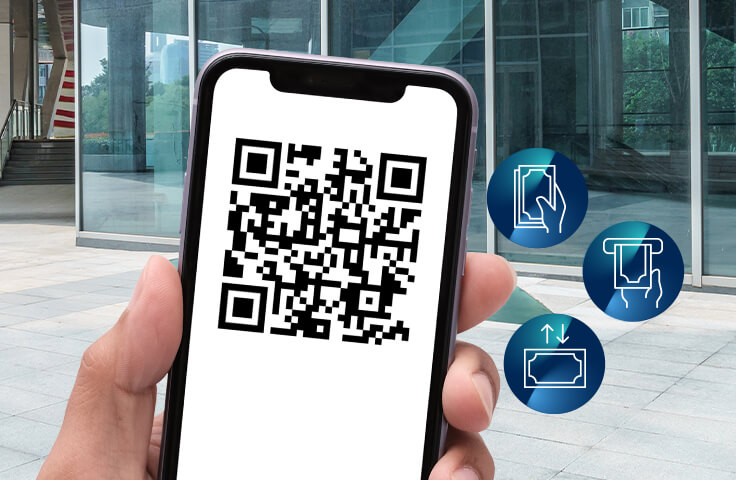
QR Procedures
- With the "Withdraw and Deposit from ATM" option found on the Garanti BBVA Mobile login page, you can withdraw and deposit money in an easier and faster manner at all bank ATMs that can produce common QR codes, without needing a card thanks to the QR code. Location access should be on in order for you to withdraw/deposit money with QR.
- You can also use the QR code to easily transfer money without entering IBAN. You can view the QR code of your bank account from the Garanti BBVA Mobile login page and share it with people to send you money. Money transfer with QR code from Garanti BBVA Mobile is only possible when the relevant bank app, be it Garanti BBVA or other banks, has access to the phone camera. The relevant transaction fee is charged according to the amounts and rates of the transaction type described in Product and Service Fees.
- Thanks to the QR code, you no longer need to carry your card with you to pay! Using your Garanti BBVA Mobile app, scan the QR code displayed on all bank POSs that can produce common QR codes, and so pay effortlessly from your bank accounts and with cards.

![]()
Security
What do we do?
The security of your financial transactions and personal information carried out through Garanti BBVA Mobile is very important to us. To maintain the highest level of privacy in your Garanti BBVA Mobile transactions, we continuously monitor the latest and most advanced security measures and work to provide you with effective security solutions. In addition to the Security Image feature developed to help prevent phishing attacks, we also take additional measures.
Face ID/Touch ID Additional Security Verification
You can use the Face ID/Touch ID feature, which we offer as an additional security verification method to your password in Garanti BBVA Mobile.
After logging in to Garanti BBVA Mobile, you can enable the additional security verification feature for your password through the “Profile and Settings > Security Settings and Privacy > Face Recognition for Additional Security or Fingerprint Recognition for Additional Security” menu.
The features of the aforementioned process vary depending on the device operating system as follows:
- On iOS devices, depending on device support: Face Recognition and Verification or Fingerprint Recognition
- On Android devices: Fingerprint Recognition only
What should you do?
Please be reminded that your actions, in addition to our practices, play an important role in ensuring your security:
- Keep your personal private information secret, both on the internet and in real life.
- Use complicated passwords to make it harder to guess.
- Protect your computer and mobile phone against viruses and similar malware.
- Use only the computers and mobile phones you trust in order to prevent personal information theft.
- Make sure you are using the latest versions of the web browsers.
- Do not hand your mobile phone to others while you are logged in to Garanti BBVA Mobile.
- Make sure you logged out of Garanti BBVA Mobile by pressing the Logout button.

Transaction Limits and Hours
Please click the link below to learn about the limits and hours of the transactions performed via our digital platforms.
Relevant Services
![]()
My Ecological Status
Let's track our carbon footprint via Garanti BBVA Mobile. Let's find out how to reduce it together.
![]()
Smart Transactions
Discover Smart Transactions now to perform your financial transactions on the Garanti BBVA Mobile application in the fastest and easiest way possible!
![]()
QR Transactions
The Convenience of Contactless and Cardless Transaction with QR Code, on Garanti BBVA Mobile.
![]()
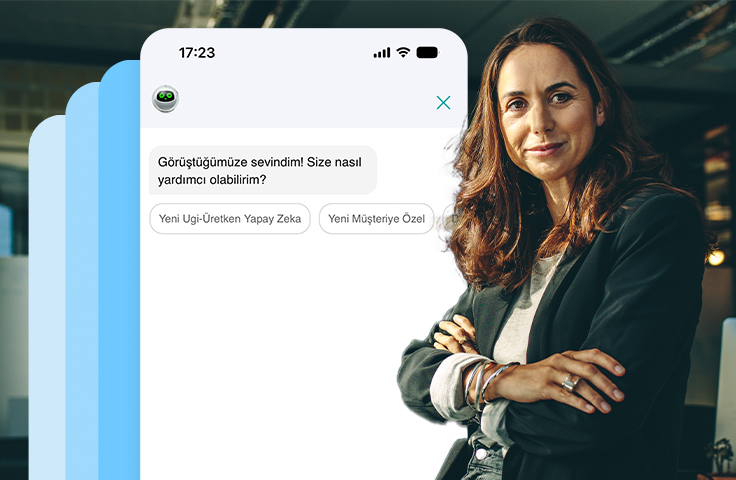
Smart Assistant Ugi
Say or type the transaction you want to make, let Smart Assistant Ugi help you.
![]()
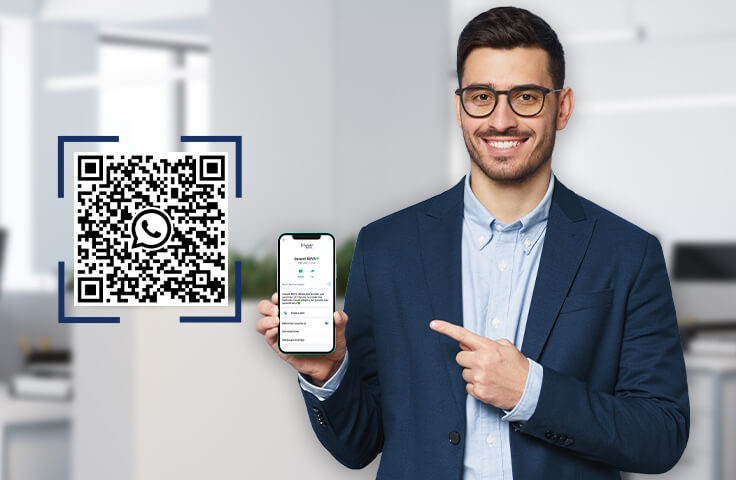
Garanti BBVA WhatsApp
We made one more development to make your lives easier: WhatsApp. Discover now!
![]()
İstanbulkart
Istanbulkart top-ups are easier than ever with Garanti BBVA Mobile!